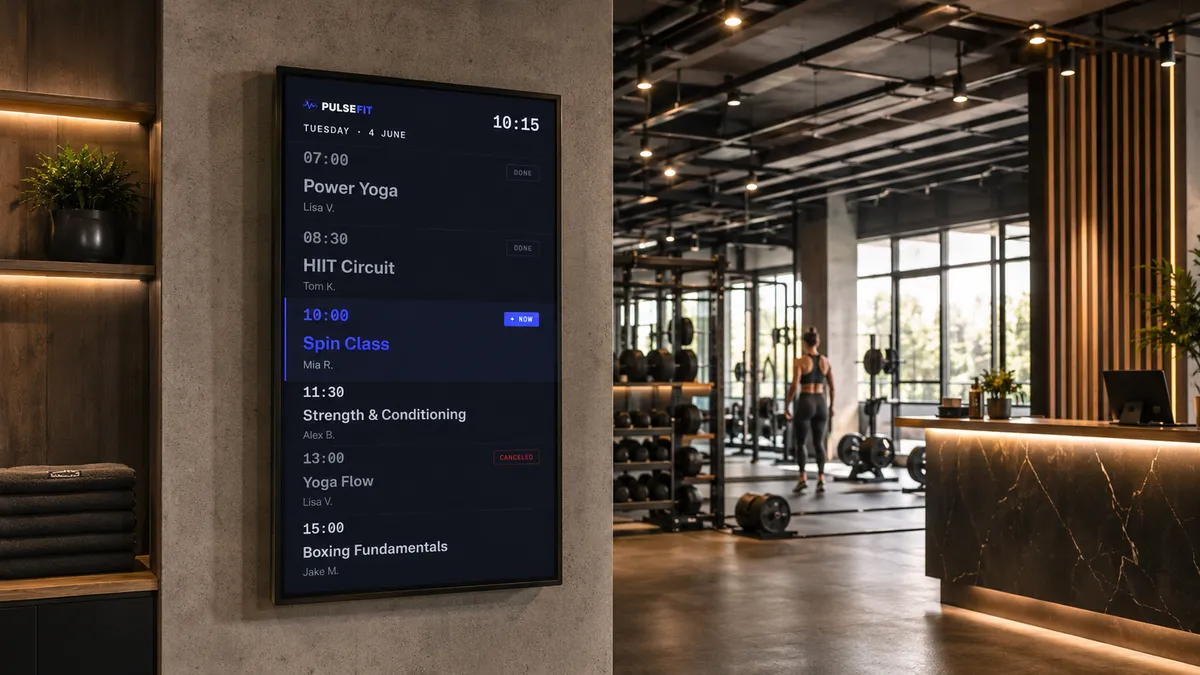
Quick Answer
Most fitness studios already have screens on their walls. The problem is what those screens show.
A static image of last month’s promotion. A class schedule that stopped updating when the summer timetable changed. A motivational poster no one has looked at in six months.
Digital signage is not about replacing your posters with more expensive posters. It is about keeping your screens accurate, relevant and easy to update — without printing anything or calling your designer.
This guide covers the basics: what digital signage is, what to show on your screens, what hardware you need, and how to get content published and kept up to date.
Why fitness studios use digital signage
The practical reasons are straightforward.
Better communication. Members arriving at reception can see today’s class schedule without asking. The screen answers the four questions members usually have: what class is on next, when it starts, which studio it is in, and who is teaching it.
Easier updates. Change a class time in your CMS and every screen showing that schedule updates immediately. No reprinting. No travelling to site to swap a poster.
Consistent information. When a promotion ends, it disappears from every screen at once. There is no risk of someone seeing an expired offer because a poster was not taken down.
Less printing. Studios running seasonal campaigns, trainer profiles and class schedules through digital signage typically reduce their print costs significantly over time.
A more professional environment. Well-designed screens that stay current make a studio feel more organised and considered. Members notice when content is relevant and up to date.
None of this requires large screens, expensive hardware or a design team. A single display in reception running five templates is a practical starting point.
Five templates every fitness studio should have
These five content types cover most of what a fitness studio needs to communicate to members and visitors.
1. Class Schedule
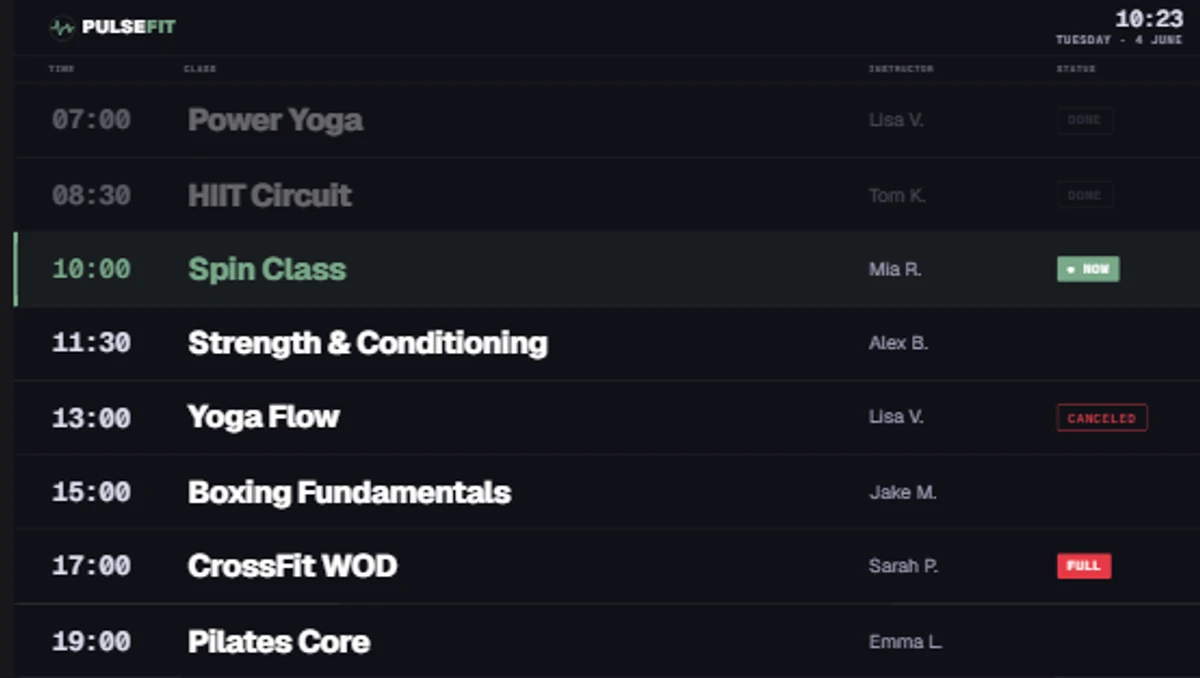
The Class Schedule template. Connect your booking system, shared calendar or manage the programme directly in Framebaker.
The most-used template in any fitness studio. Shows today’s classes with times, rooms and trainer names. Can be connected to a booking system, Google Calendar, Outlook, or managed directly in Framebaker.
Different screens can show different content: a reception screen shows the full day’s programme, while a screen outside a cycling studio shows only the current and next class.
Learn more → Fitness Class Schedule Screens
2. Membership Promotion
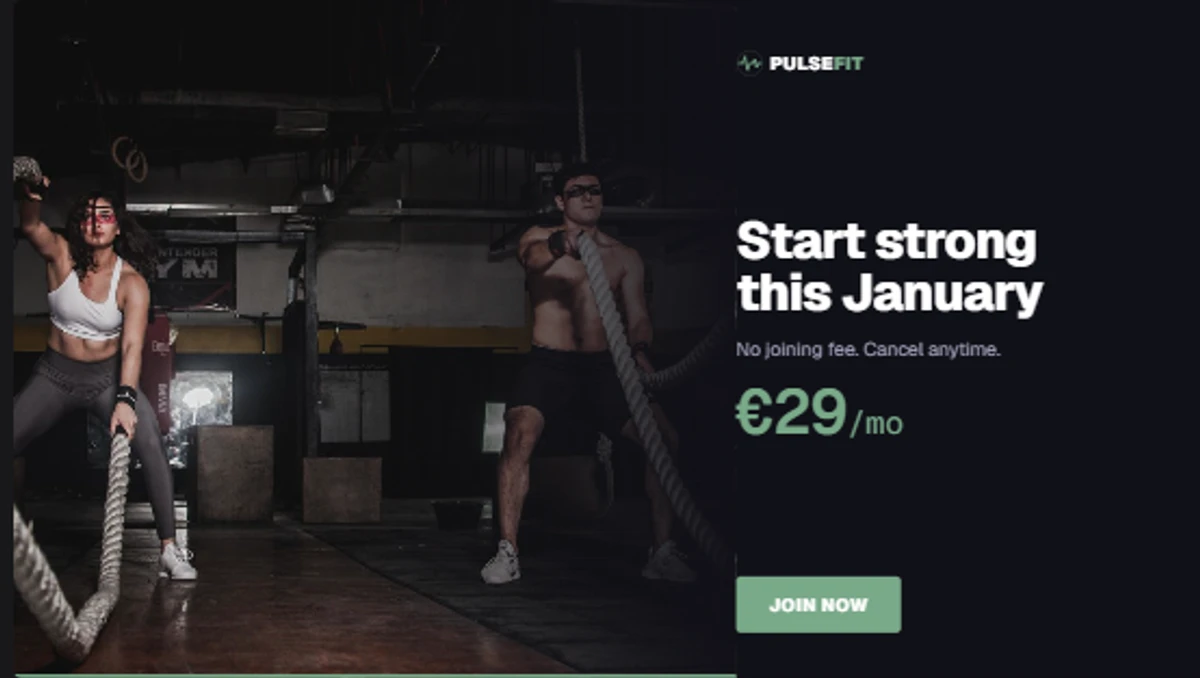
The Membership Promotion template. One clear offer per slide: a membership upgrade, class pack, personal training session or seasonal campaign.
Shows one focused promotional message: a membership upgrade, class pack, personal training offer, referral campaign or seasonal promotion. Members and visitors see it while waiting at reception without any effort from your team.
One promotion per slide. If you are running two offers at the same time, create two slides and let them rotate.
Learn more → Membership Promotion Screens
3. Trainer Spotlight
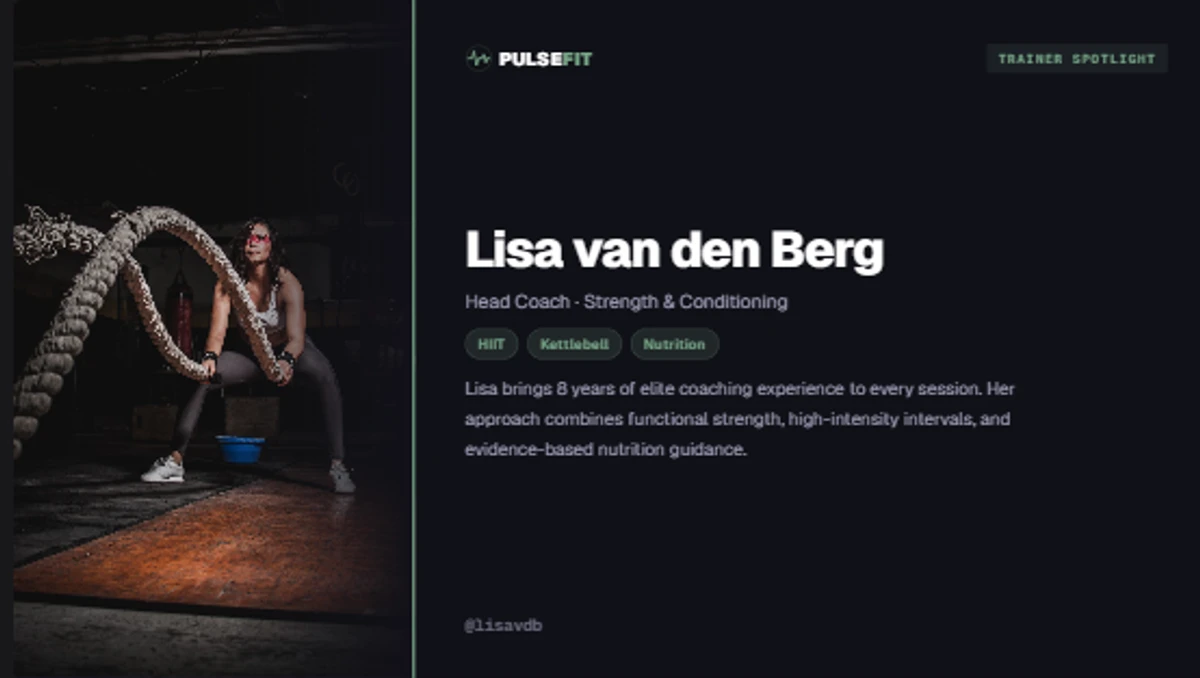
The Trainer Spotlight template. Upload a photo, add the trainer’s name, speciality and a short introduction, then publish to your screens.
Introduces one of your coaches on screen: photo, name, role, a short line about their speciality and an optional booking QR code. Helps members recognise your team and discover trainers they have not worked with before.
Trainer Spotlights rotate automatically, so every coach gets equal visibility throughout the day.
Learn more → Trainer Spotlight Screens
4. Announcements & Events
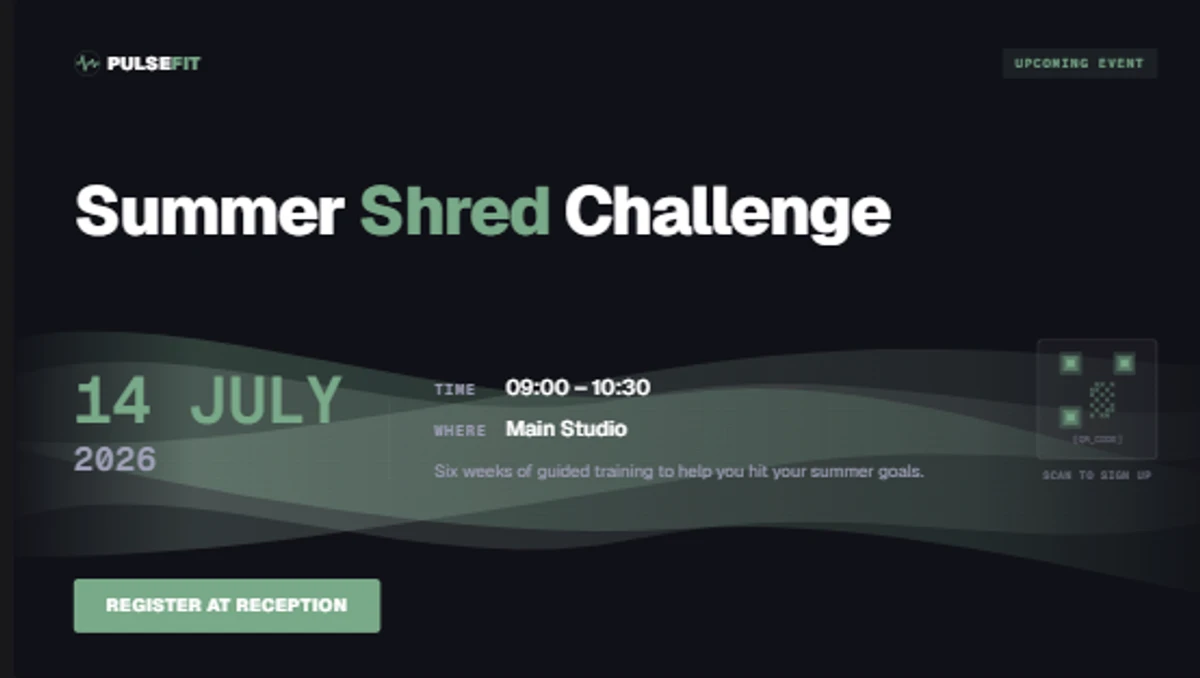
The Announcements & Events template. Covers studio news, upcoming workshops, challenges, holiday hours, maintenance notices and anything else members need to know.
Covers everything that does not fit a dedicated template: upcoming workshops, fitness challenges, holiday hours, maintenance notices, new equipment arrivals, policy updates. Clear, time-limited, easy to remove when the event passes.
Learn more → Announcement & Event Screens
5. Motivational Quote
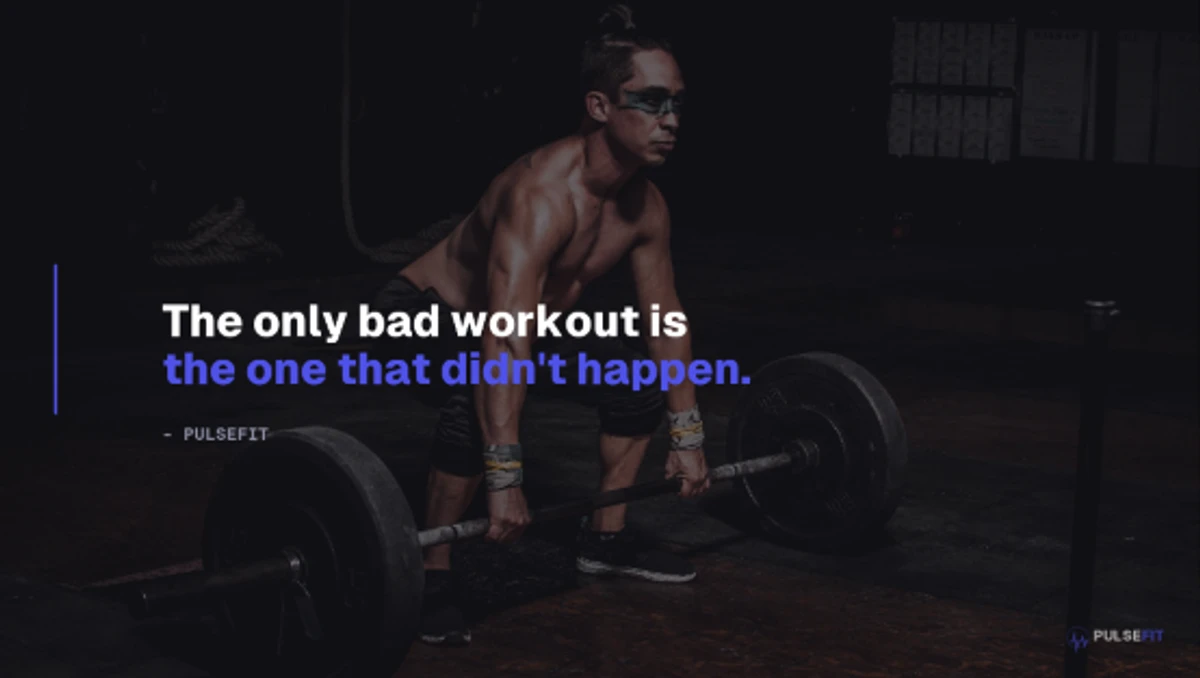
The Motivational Quote template. Works well on training floor screens between class sessions or as ambient content in areas without a specific operational need.
A short, bold quote from your coaching team or a known source. Works well on training floor screens as ambient content. Keeps screens active and on-brand in areas where operational content is not needed.
Learn more → Motivational Quote Screens
What do you need to get started?
The hardware side is simpler than most studios expect.
Display
Almost any modern TV or commercial display works.
Player
A small device that connects to your display via HDMI and pulls content from the cloud.
Content
A class schedule and one or two other slides is enough to start.
Where should you place your screens?
Most studios begin with a single reception display and expand over time. Here are the locations that typically work best.
Reception
Start hereEvery member walks past reception, making it the best location for schedules, promotions and announcements.
Waiting area
RecommendedMembers naturally have time to read, making it ideal for announcements and upcoming events.
Studio entrance
RecommendedHelp members quickly confirm they are in the right place with today’s schedule.
Cardio area
OptionalLonger workouts give members time to notice motivational content and promotions.
Locker room
OptionalA quieter moment before or after a workout — good for promotions and upcoming events.
Exit
OptionalA useful place for short reminders before members leave.
Keeping your screens up to date
Many studio owners assume digital signage requires constantly creating new content. In practice, most content changes only occasionally — and some of it barely changes at all.
Class schedules are the most frequently updated content, but many studios connect their booking system or calendar so the screen updates automatically. For studios that manage the schedule manually, it typically takes a few minutes to adjust.
Membership promotions usually run for several weeks at a time. You publish one offer, it stays on screen until the campaign ends, then you swap it for the next one.
Trainer profiles only change when your team changes — a new hire, a role update, a new photo. Outside of that, they look after themselves.
Event announcements go up when something is coming and come down when it passes. For most studios, that means a handful of updates a month.
Motivational content has no expiry date. A well-chosen quote can stay on screen for weeks without anyone noticing or minding.
Once your screens are set up with a solid playlist, keeping them current usually takes only a few minutes a week.
Start small
Most studios that deploy digital signage start with a single display in reception.
That one screen, showing a current class schedule and one or two other pieces of content, is enough to see whether it works. You will know quickly whether members are looking at it, whether your schedule is easier to find, and whether staff are fielding fewer questions about what is on today.
Once that first screen is running well, adding a second is straightforward. The same content, or content adapted for a different location, can be pushed to a new screen without starting over.
There is no pressure to fill every wall on day one. A screen that is relevant and up to date is more effective than a dozen screens showing stale content.
See Framebaker in your browser
No installation. No sales call. Start managing screens in minutes.
Frequently Asked Questions
What is digital signage?
Digital signage is a screen connected to a content management system. You manage what appears on the screen from a CMS, and the display shows that content automatically. In a fitness studio, this typically means a TV or commercial display connected to a small media player that pulls content from the cloud.
Do I need commercial displays?
Not necessarily. Many studios start with standard TVs they already own. A commercial display is more durable for long operating hours and has better warranty terms for business use, but it is not required to get started.
Can I update screens remotely?
Yes. Framebaker is a cloud-based CMS. You can update any screen from a browser or mobile device without being on-site. Changes take effect immediately across all connected screens.
Can I schedule content in advance?
Yes. Framebaker supports scheduled playlists. You can set different content for morning and evening, weekdays and weekends, or specific campaign periods. Once configured, the screen switches automatically.
Can I use my own branding?
Yes. Templates in Framebaker can be customised with your studio's colours, typography and logo. If you need something different from the available templates, Framebaker can create custom templates to match your brand.
What hardware do I need?
A typical setup requires a display with HDMI, a Framebaker-compatible digital signage player, and an internet connection. In most cases you can use an existing screen. The player connects to your display and receives content from the Framebaker CMS.
Related Articles
Framebaker for fitness
Ready to put Framebaker on your studio screens?
Explore the fitness templates, hardware options and pricing. Get started in minutes.